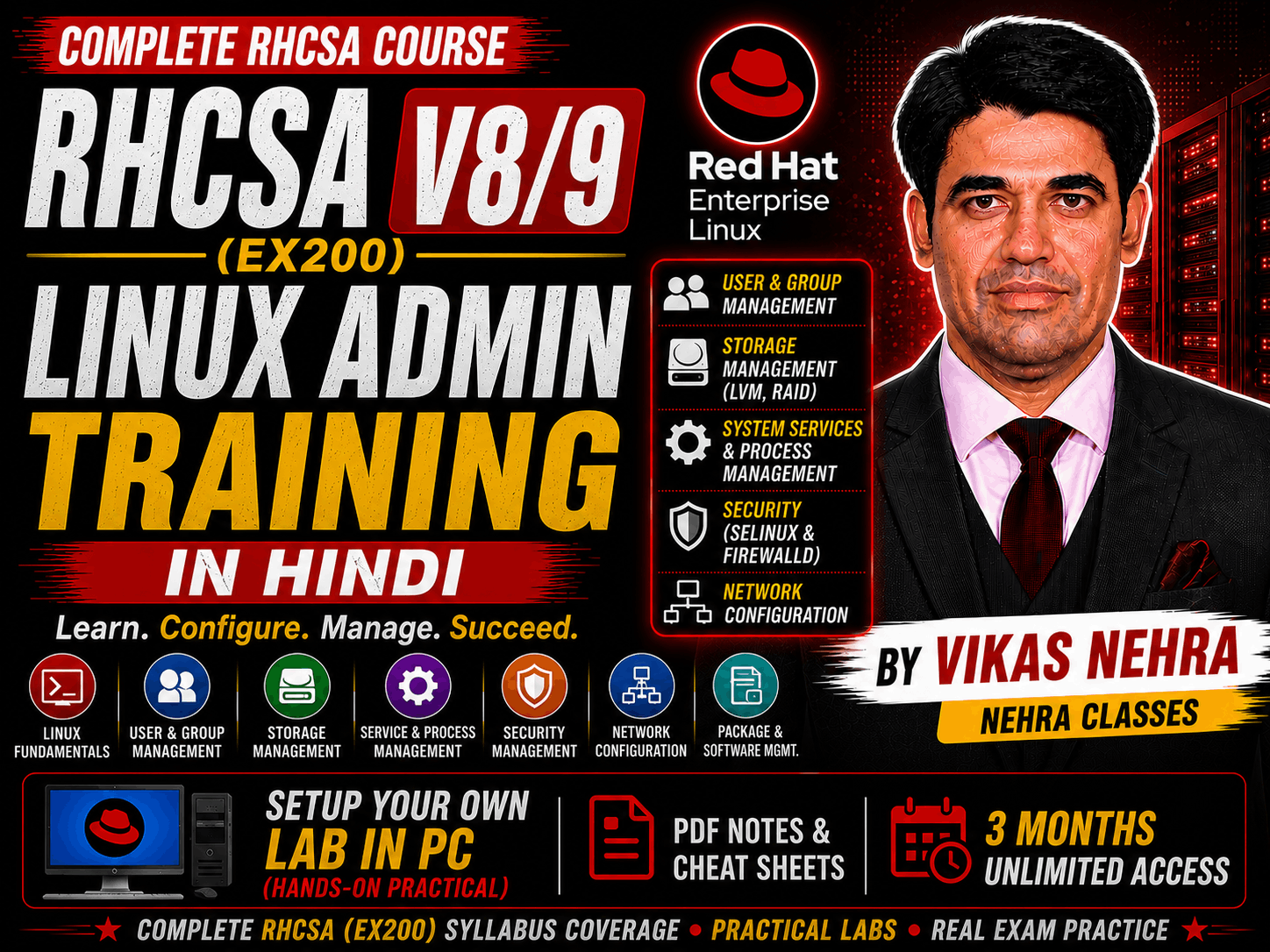
The RHCSA exam (EX200) is created to test your System administration knowledge across a wide range of environments and deployment scenarios. The skills tested in RHCSA exam are the foundation for system administration across all Red Hat products. You need to pass the RHCSA exam before sitting for an RHCE exam, We’ll do a different guide covering objectives of the RHCE certification exam. RHCSA V9 (EX200) Exam Objectives: The Red Hat Certified System Administrator (RHCSA) exam is a hands-on, practical exam that requires you to undertake real-world tasks. So make sure you’ve prepared well before attempting the exam. As you read and prepare for this exam, here is a complete exam objectives. They’re grouped into several categories. 1. Understand and use essential tools: • Access a shell prompt and issue commands with correct syntax • Use input-output redirection (>, >>, |, 2>, etc.) • Use grep and regular expressions to analyse text • Access remote systems using SSH • Log in and switch users in multiuser targets • Archive, compress, unpack, and un-compress files using tar, star, gzip, and bzip2 • Create and edit text files • Create, delete, copy, and move files and directories • Create hard and soft links • List, set, and change standard ugo/rwx permissions • Locate, read and use system documentation including man, info & files in /usr/share/doc 2. Create simple shell scripts: • Conditionally execute code (use of: if, test, [], etc.) • Use Looping constructs (for, etc.) to process file, command line input • Process script inputs ($1, $2, etc.) • Processing output of shell commands within a script 3. Operate running systems: • Boot, reboot, and shut down a system normally • Boot systems into different targets manually • Interrupt the boot process in order to gain access to a system • Identify CPU/memory intensive processes and kill processes • Adjust process scheduling • Manage tuning profiles • Locate and interpret system log files and journals • Preserve system journals • Start, stop, and check the status of network services • Securely transfer files between systems 4. Configure local storage: • List, create, delete partitions on MBR and GPT disks • Create and remove physical volumes • Assign physical volumes to volume groups • Create and delete logical volumes • Configure systems to mount file systems at boot by universally unique ID (UUID) or label • Add new partitions and logical volumes, and swap to a system non-destructively 5. Create and configure file systems: • Create, mount, unmount, and use vfat, ext4, and xfs file systems • Mount and unmount network file systems using NFS • Configure autofs • Extend existing logical volumes • Create and configure set-GID directories for collaboration • Diagnose and correct file permission problems 6. Deploy, configure, and maintain systems: • Schedule tasks using at and cron • Start and stop services and configure services to start automatically at boot • Configure systems to boot into a specific target automatically • Configure time service clients • Install & update software packages from a remote repository or from the local ISO image • Modify the system bootloader 7. Manage basic networking: • Configure IPv4 and IPv6 addresses • Configure hostname resolution • Configure network services to start automatically at boot • Restrict network access using firewall-cmd/firewall 8. Manage users and groups: • Create, delete, and modify local user accounts • Change passwords and adjust password aging for local user accounts • Create, delete, and modify local groups and group memberships • Configure superuser access 9. Manage security: • Configure firewall settings using firewall-cmd/firewalld • Manage default file permissions • Configure key-based authentication for SSH • Set enforcing and permissive modes for SELinux • List and identify SELinux file and process context • Restore default file contexts • Manage SELinux port labels • Use boolean settings to modify system SELinux settings • Diagnose and address routine SELinux policy violations 10. Manage containers: • Find and retrieve container images from a remote registry • Inspect container images • Perform container management using commands such as podman and skopeo • Build a container from a Container file • Perform basic container management such as running, starting, stopping, and listing running containers • Run a service inside a container • Configure a container to start automatically as a systemd service • Attach persistent storage to a container As with all certification exams, configurations must persist after reboot without intervention.